
Download School Assistant APK – Educational Tool, Student Organizer, Grade Tracker, Assignment Planner, Exam Scheduler, Classroom Management, Multi-Language Support
Overview
School Assistant is a free Android application developed by Gil Castro, designed specifically for students seeking a streamlined way to manage their academic lives. The software serves as a comprehensive educational tool that helps users organize assignments, exams, homework, class schedules, and grades. By centralizing these critical aspects of school life, the app aims to reduce stress and improve time management for students across various educational levels. Its primary purpose is to enhance focus and academic performance through structured planning and real-time tracking of academic progress.
Target users include high school and college students who need a reliable system to monitor their coursework and maintain consistent performance. The app supports global usage, making it suitable for learners in diverse educational environments. Real-world scenarios include preparing for midterms, tracking attendance, reviewing grade impact, and managing daily tasks. With features like auto-mute functionality, the app also helps students remain respectful and attentive during classes or presentations by silencing their devices automatically when needed.
While the developer is identified as Gil Castro, no further information about the company or development background was provided. The app’s focus on personal organization, academic tracking, and behavioral support reflects a user-centered design philosophy aimed at improving the overall student experience.
Key Features & Capabilities
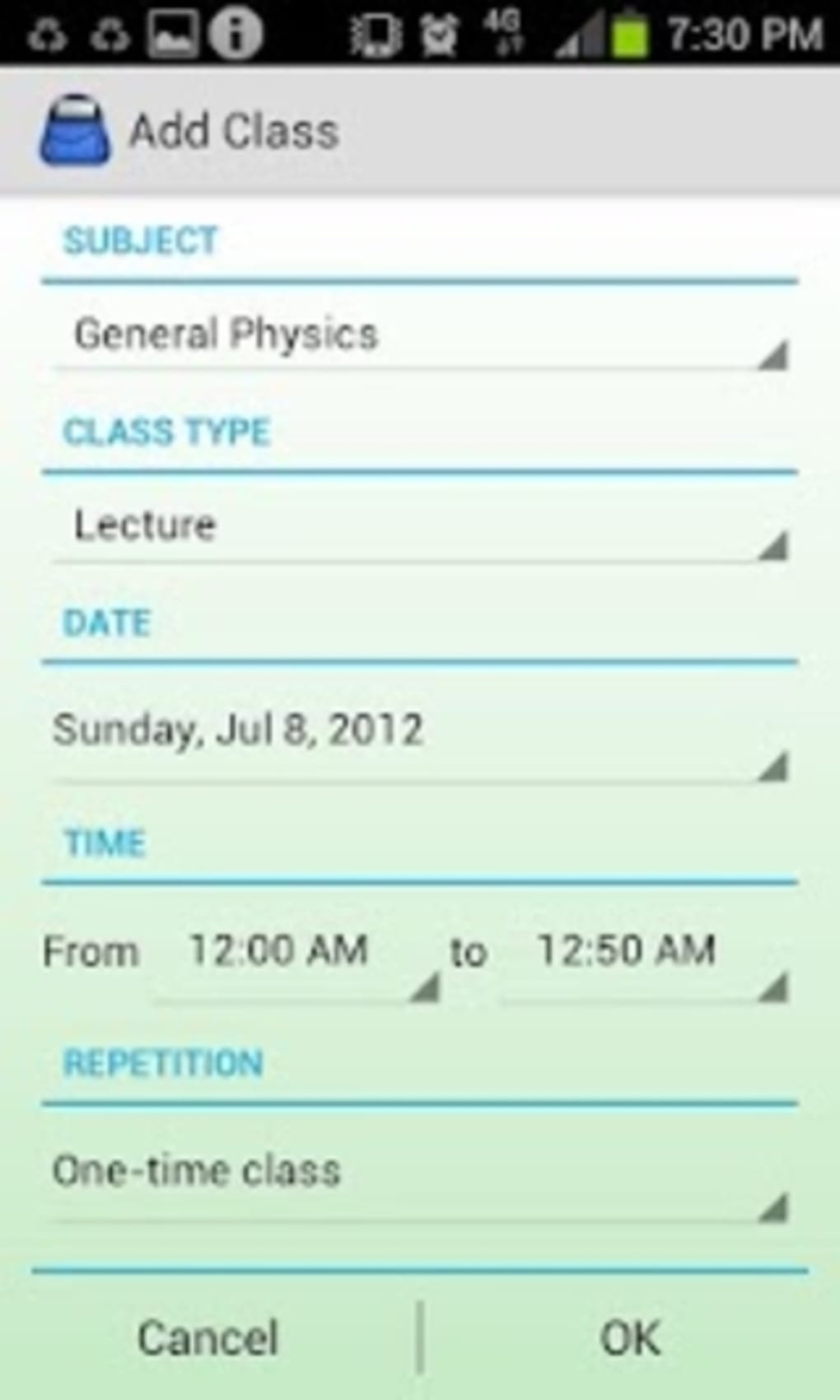
- Assignment and Exam Planner: Allows users to input and track upcoming assignments, exams, and deadlines. This helps prevent last-minute cramming and supports long-term planning.
- Grade and Attendance Tracker: Enables students to view how individual assignments affect their final grade and monitor attendance records per class.
- Auto-Mute Functionality: Automatically silences the device during scheduled class times or when entering specific locations, minimizing disruptions in academic settings.
- Integrated To-Do List: Offers a built-in task manager to prioritize daily or weekly responsibilities, helping users stay on top of both academic and personal tasks.
- Calculator Tool: Includes a basic calculator for quick math calculations, useful during study sessions or while working on assignments.
- Multi-Language Support: Available in multiple languages, increasing accessibility for non-English-speaking students worldwide.
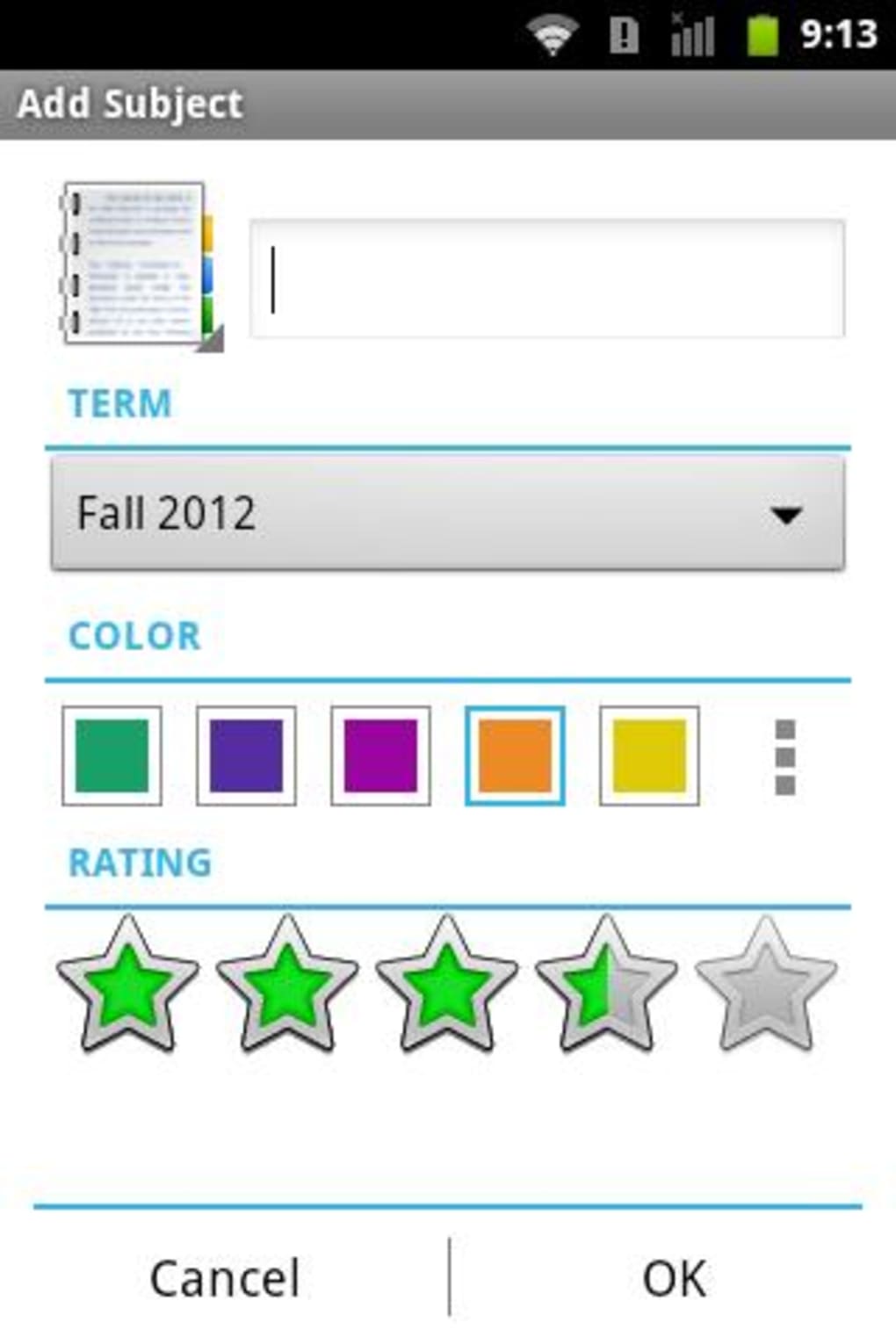
- Customizable Interface: Users can personalize the app’s layout and settings to suit their learning habits and preferences.
These features collectively support efficient academic workflow. For example, a student can enter an upcoming exam, set a reminder, and use the grade tracker to estimate required scores. The auto-mute function ensures the phone won’t interfere during class, while the to-do list helps maintain daily discipline. The app’s modular design allows for flexible use across different educational contexts.
User Interface, Workflow & Performance
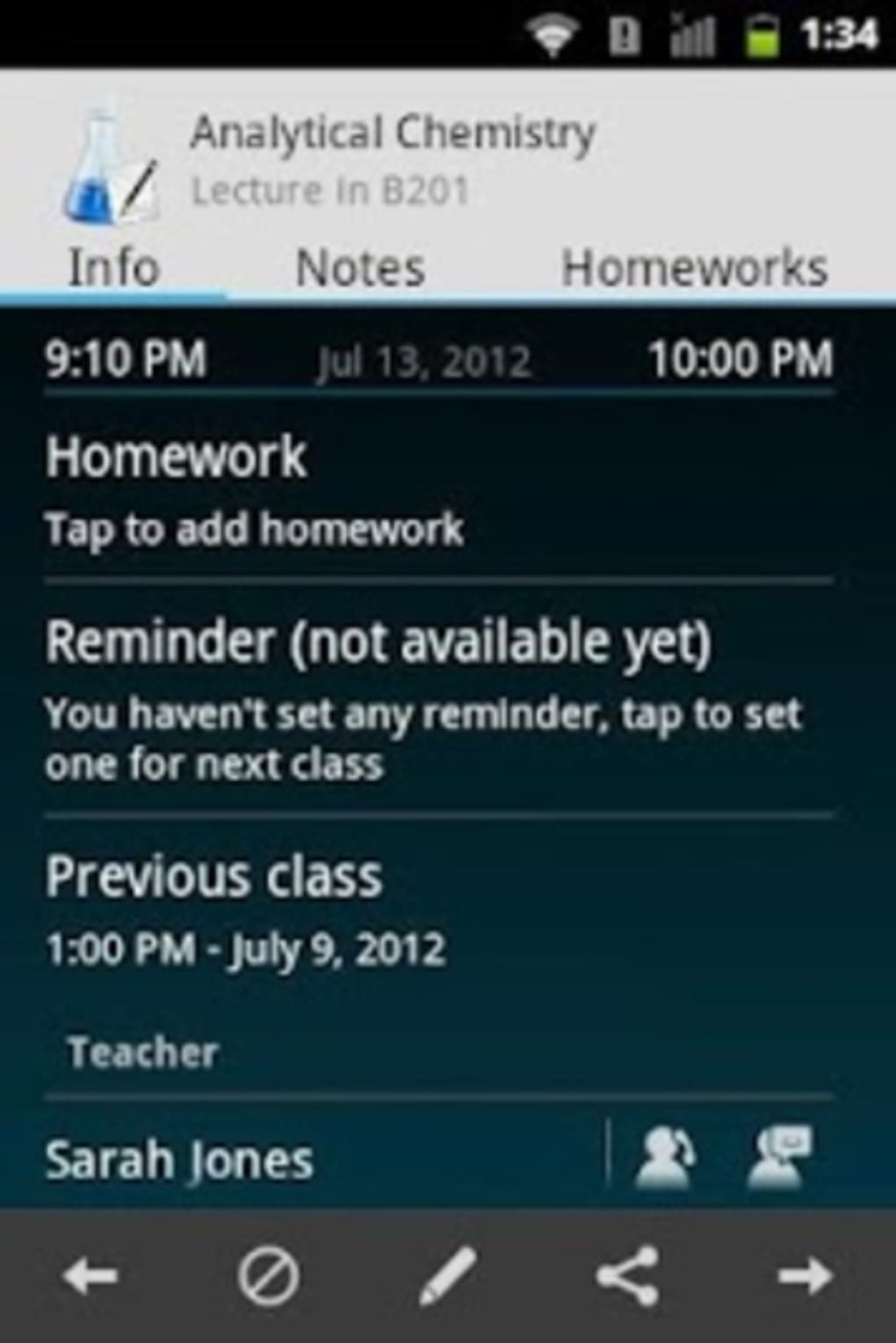
The user interface of School Assistant is designed with simplicity and functionality in mind. Navigation is likely structured around a central dashboard that displays upcoming tasks, active classes, and key academic metrics. Users can access features through intuitive menus or quick-access buttons, reducing the learning curve for new users.
Workflow efficiency is enhanced by the app’s ability to group related tasks—such as assignments by subject—and provide visual indicators for due dates and performance status. The integration of auto-mute and calculator tools within the same environment promotes seamless transitions between planning, studying, and execution.
Performance details were not specified by the developer. However, based on typical behavior of lightweight Android applications, the app is expected to operate smoothly on modern devices with minimal impact on battery life or system resources. The developer did not provide exact performance metrics or stability reports. General software behavior patterns suggest consistent responsiveness under normal usage conditions.
Compatibility & System Requirements
School Assistant is designed for Android devices. The app is available as an APK file, indicating it can be installed directly without requiring a specific app store. The exact operating system version compatibility was not listed, though it is likely compatible with Android 6.0 and later, given the typical baseline for modern educational apps.
Installation size and hardware requirements were not provided. The developer did not specify minimum RAM, CPU, or storage needs. This lack of detail means users should proceed with caution when installing on older or low-end devices. Compatibility information is limited, and further verification may be necessary depending on the device.
Pros and Cons
Pros
- Free to download and use with no in-app purchases or hidden fees.
- Comprehensive set of tools tailored for student life: planner, tracker, calculator, to-do list.
- Auto-mute functionality enhances classroom etiquette and focus.
- Multi-language support improves accessibility for international users.
- Customizable interface allows personalization based on individual needs.
- Designed for global use, suitable for diverse educational systems.
Cons
- Exact system requirements were not disclosed, limiting device compatibility clarity.
- Performance and resource usage details were not provided.
- Limited information about update frequency or long-term maintenance.
- No cloud sync or backup functionality was mentioned.
- Reliance on APK installation may raise security concerns for cautious users.
Is School Assistant available for iOS devices?
The app is currently available as an Android APK. There is no official information about an iOS version.
Is the app safe to download from third-party sources?
While the app is developed by Gil Castro, downloading APKs from third-party websites carries inherent risks. Users should ensure the source is reputable and scan the file with antivirus software before installation.
How often are updates released?
Update frequency was not specified by the developer. Users should monitor the official source for the latest version.
Does School Assistant require an internet connection?
The app functions primarily offline, allowing users to manage schedules, grades, and tasks without constant connectivity. Some features may require internet access for updates or language downloads.
Can I use School Assistant without creating an account?
Yes, the app does not require registration or login, enabling immediate use after installation.
Final Thoughts
School Assistant stands out as a practical, no-cost solution for students aiming to stay organized and focused throughout the academic year. Its blend of planning, tracking, and behavioral tools—especially the auto-mute feature—addresses common challenges faced by learners in real-world settings. While the lack of detailed system requirements and performance data limits full transparency, the app’s core functionality remains strong and user-friendly.
It is particularly beneficial for students who prefer self-managed systems without the need for cloud storage or complex setup. The multi-language support and global design make it a versatile choice across different regions. For those seeking a reliable, free desktop-like experience on mobile, School Assistant delivers value without compromise.
Download School Assistant now





.png)

